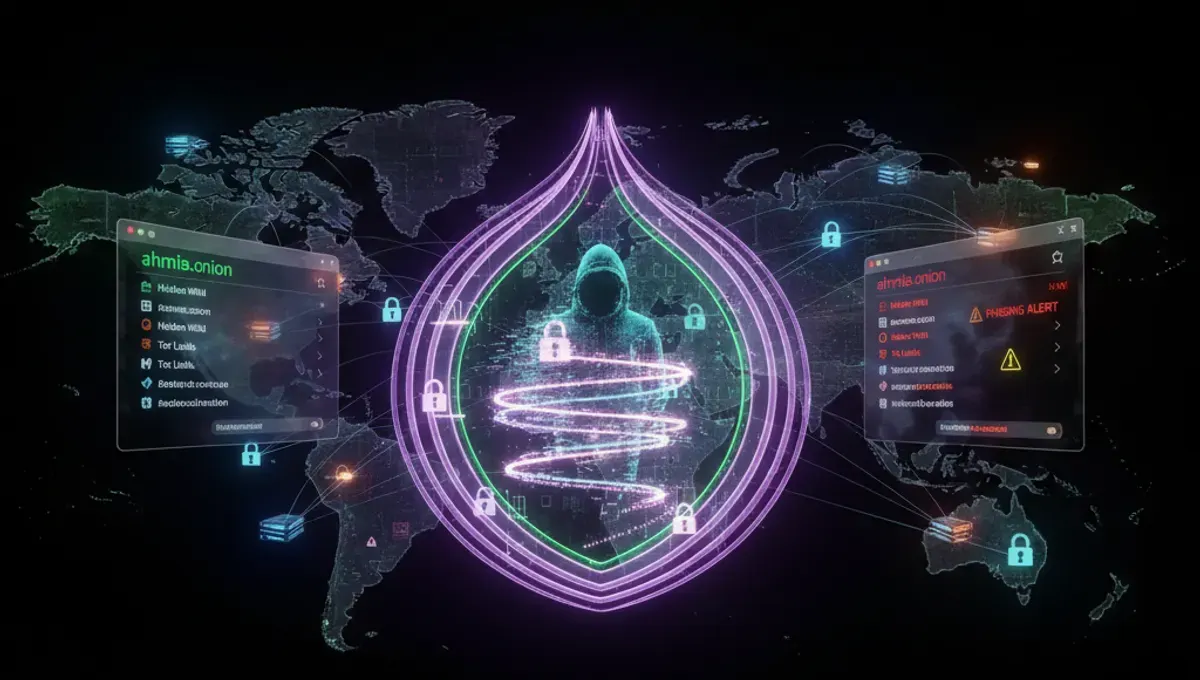
What Makes a Dark Web Site Legitimate
A legitimate dark web site operates on a stable .onion address, maintains consistent infrastructure, and publishes PGP-signed announcements to verify authenticity. Phishing clones are common; they mirror the appearance of popular sites but redirect traffic to attacker-controlled servers. Legitimate operators publish their v3 onion address (a 56-character string) on multiple channels—official mirrors, community forums, and PGP-signed statements—so users can cross-reference before connecting. The best dark web sites also display security indicators: HTTPS certificates for .onion domains, clear operational status pages, and documented moderation policies. Checking a site's uptime history and comparing its address against community-maintained lists reduces the risk of connecting to a fraudulent clone.
How to Verify Onion Addresses and PGP Signatures
Verification begins with obtaining the official .onion address from multiple independent sources. If a site publishes a PGP-signed announcement, import the operator's public key and verify the signature using command-line tools or graphical PGP clients. A valid signature confirms the message came from the key holder and has not been tampered with. Steps:
- Locate the operator's public key fingerprint on their official website or verified social media;
- import the key into your PGP keyring;
- download the signed message;
- run the verification command to confirm authenticity. Never trust a single source for an onion address. Cross-reference addresses across at least two independent channels—official mirrors, archived announcements, or community directories. If addresses differ, assume the minority address is a phishing clone and do not connect.
Dark Web Top Sites by Category
The dark web hosts services across several functional categories. Marketplaces facilitate peer-to-peer transactions and typically require account registration and deposit mechanisms. Forums and discussion boards host communities organized by topic—technology, privacy, politics, or niche interests—and often require invitation or account approval. Intelligence and news aggregators curate information from public and private sources. Library and archive services preserve books, academic papers, and leaked documents. Privacy tool repositories distribute software for encryption, anonymization, and secure communication. Search engines index .onion addresses and help users discover hidden services. Each category presents different security considerations: marketplace users face account compromise and exit scams; forum participants risk doxing or infiltration; archive users may encounter honeypots or law enforcement monitoring. Refer to the Verified Marketplaces page for current operational status and safety recommendations.
Understanding V3 Onion Addresses and Address Format
Onion addresses come in two formats: v2 (16 characters) and v3 (56 characters). The Tor Project deprecated v2 addresses in 2021 due to cryptographic weaknesses; v3 addresses use stronger elliptic-curve cryptography and are resistant to brute-force attacks. A v3 address appears as a long string of lowercase letters and numbers followed by .onion—for example, a 56-character identifier. The address is derived from the site operator's public key, making it cryptographically bound to the service. This binding prevents attackers from claiming ownership of an address without the corresponding private key. When evaluating dark web top sites, prioritize v3 addresses over legacy v2 addresses. The format alone does not guarantee legitimacy, but v3 adoption indicates the operator has updated their infrastructure to current security standards. Always verify the full address character-by-character before connecting.
How to Safely Access Dark Web Sites Using Tor Browser
Access dark web sites through the official Tor Browser, which routes traffic through multiple Tor relays and isolates each session. Installation steps:
- Visit the official Tor Project website from your regular browser;
- download the Tor Browser package for your operating system;
- verify the package signature using the provided PGP key;
- extract and launch the browser. Configure security: disable JavaScript in Tor Browser settings to prevent fingerprinting attacks; set the security slider to 'Safer' or 'Safest' mode; disable plugins and extensions. When connecting to a dark web site, paste the .onion address into the address bar—do not use search engines or links from untrusted sources. Allow the browser to establish Tor circuits before navigating; this typically takes 10-30 seconds. Never maximize your browser window, as window size can be used for fingerprinting. Do not open multiple tabs to different .onion sites simultaneously, as this can correlate your activity across sites.
Common Mistakes That Compromise Anonymity
Users often undermine their anonymity through operational security failures rather than technical vulnerabilities. Reusing usernames across multiple dark web sites allows correlation of accounts to a single person. Uploading files without stripping metadata exposes creation timestamps, software versions, and device identifiers. Enabling plugins, JavaScript, or browser extensions increases the attack surface for deanonymization exploits. Connecting to dark web sites over a regular internet connection without Tor, or using a VPN before Tor, creates a single point of failure where an ISP or VPN provider can log your connection. Torrenting over Tor bypasses the Tor network entirely and leaks your real IP address. Maximizing your browser window, using distinctive fonts, or installing custom themes makes your browser fingerprint unique and trackable. Visiting dark web sites while logged into social media accounts or email addresses tied to your real identity defeats anonymity. The best dark web sites cannot protect users from their own operational mistakes; security requires consistent discipline across all online activities.
Tor, VPN, and I2P: Comparison and Use Cases
Tor, VPN, and I2P are distinct anonymization networks with different architectures and threat models. Tor routes traffic through three randomly selected relays operated by volunteers worldwide; the exit relay can see unencrypted traffic, but the entry relay knows your IP address. VPN services route all traffic through a single provider's server; the VPN operator has full visibility into your traffic and can log your IP address and activity. I2P uses a peer-to-peer network where participants operate routers; it is optimized for internal communication and file-sharing but less suitable for accessing the public internet. Tor is designed for accessing hidden services and resisting surveillance by powerful adversaries; it prioritizes anonymity over speed. VPN is designed for privacy from your ISP and can improve speed, but trust in the VPN provider is essential. I2P is designed for decentralized communication and is more resistant to traffic analysis than Tor but offers less mature tooling. For accessing dark web sites, Tor Browser is the standard and recommended approach; combining Tor with a VPN or I2P introduces complexity and can reduce anonymity.
Frequently asked questions
How do I know if a dark web site is real or a phishing clone?
Verify the .onion address against multiple independent sources, check for PGP-signed announcements from the operator, and confirm the address matches across official mirrors and community directories. Phishing clones often use slightly altered addresses or redirect to different IP ranges. Cross-reference the site's public key fingerprint and never connect to an address you cannot verify through at least two separate channels.
What is the difference between v2 and v3 onion addresses?
V2 addresses are 16 characters and use older cryptography; they were deprecated in 2021. V3 addresses are 56 characters and use stronger elliptic-curve cryptography resistant to brute-force attacks. V3 addresses are cryptographically bound to the operator's public key, making them more secure. Always prioritize v3 addresses when accessing dark web sites.
Is it illegal to access dark web sites?
Accessing the Tor network and dark web sites is legal in most countries. However, many activities conducted on dark web sites—such as buying illegal goods or services—are illegal. The legality depends on your jurisdiction and the specific content or transactions involved. Using Tor for privacy and accessing legal information is protected activity in most democracies.
Can I use a VPN with Tor to access dark web sites?
Using a VPN before Tor creates a single point of failure where the VPN provider can log your IP address and connection time. This reduces anonymity rather than improving it. The Tor Project recommends using Tor Browser without a VPN for accessing dark web sites. If you use a VPN, connect after Tor, not before.
What should I do if I find a dark web site that appears to be a phishing clone?
Do not connect to or enter credentials into a suspected phishing clone. Report the fraudulent address to the legitimate operator through verified communication channels—official mirrors, PGP-signed contact information, or community forums. Document the clone's address and any evidence of fraud. Warn other users through trusted community channels to prevent others from being compromised.