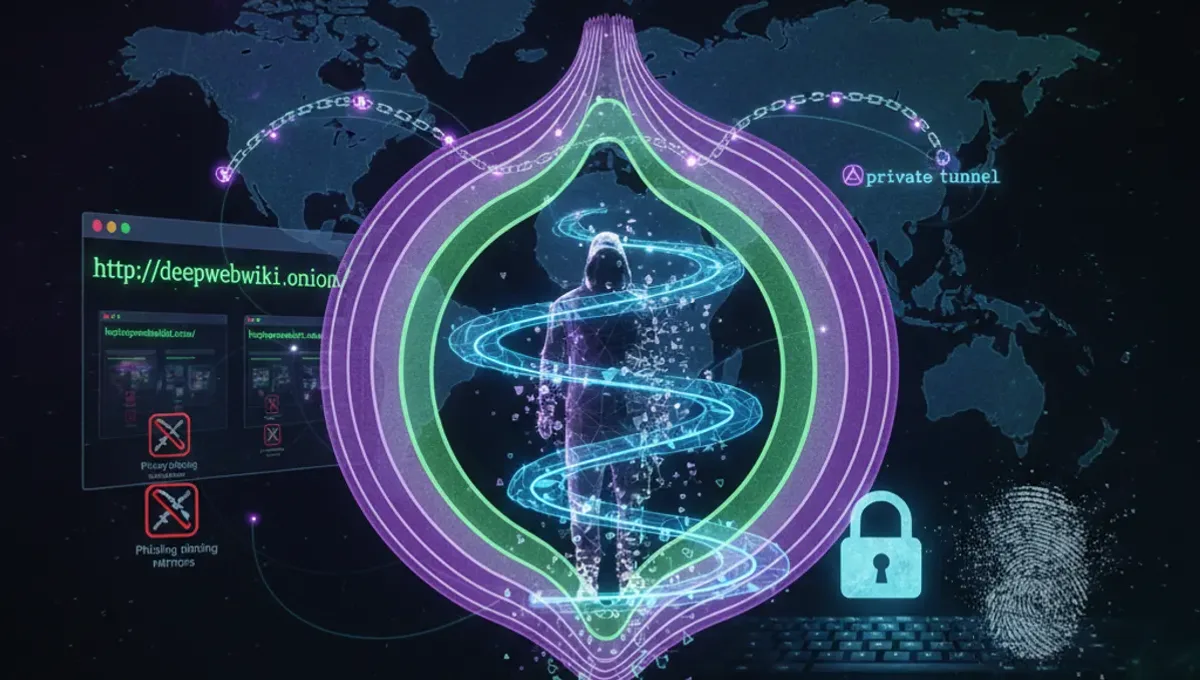
What Is the Dark Web Hidden Wiki?
A dark web wiki is a collaborative reference site accessible only through Tor that lists onion addresses, service descriptions, and user-contributed information about darknet resources. Unlike surface web wikis, these sites exist on the .onion network and are typically maintained by volunteer communities rather than centralized organizations. The term "hidden wiki" historically referred to specific early directories, but today it describes any crowdsourced onion index. These wikis function as starting points for users unfamiliar with the darknet, providing categorized links to forums, marketplaces, services, and information repositories. However, entries are often unverified, outdated, or deliberately malicious. Many listed addresses lead to phishing clones designed to steal credentials or cryptocurrency. The decentralized nature of these wikis means no single authority maintains accuracy or removes fraudulent entries consistently.
How Onion Directories and Indexes Work
Onion directories operate by aggregating .onion addresses submitted by users or discovered through network crawling. Each entry typically includes the address, a brief description, and sometimes user ratings or comments. The technical structure relies on Tor's hidden service protocol, which allows sites to operate without revealing their server location. When you access a directory through Tor Browser, your connection is routed through multiple relays before reaching the .onion address. The directory itself is just another hidden service, meaning it too benefits from Tor's anonymity protections. Search engines designed for the darknet, such as those that crawl onion sites, work similarly but attempt to index content rather than simply catalog user submissions. These indexes face constant challenges: sites disappear or change addresses, new services launch daily, and distinguishing legitimate services from scams requires verification methods beyond simple link checking. Many directories include metadata like last-verified dates, though this information is often unreliable.
Verifying Authentic Onion Addresses and Resources
Verifying a genuine onion address requires multiple cross-checks rather than trusting a single source. First, check whether the address appears consistently across multiple independent directories or official project documentation. Many legitimate services publish their onion addresses on their clearnet sites or in official announcements. Second, examine the address format: v3 onion addresses are 56 characters long and use a cryptographic hash of the site's public key, making them resistant to impersonation compared to older v2 addresses. Third, look for PGP signatures or cryptographic verification methods. Legitimate projects often sign their onion address announcements with a known PGP key, which you can verify through the project's official channels. Fourth, check community discussions on established forums to see if other users have recently confirmed the address works and matches expected content. Be skeptical of addresses that appear only on a single wiki or forum post. Phishing clones typically use similar but slightly altered addresses, so character-by-character comparison is necessary. When in doubt, access the service through multiple independent sources before entering any credentials or sensitive information.
Distinguishing Legitimate Wikis from Phishing Clones
Phishing clones of popular onion wikis are common and designed to capture login credentials, cryptocurrency, or personal information. Several indicators help identify fraudulent copies. Legitimate wikis typically have consistent design, stable addresses, and community moderation visible in discussion sections or edit histories. Phishing clones often contain subtle layout differences, broken links, or requests for login information that legitimate wikis do not require. Check the address carefully: attackers register similar-looking addresses by substituting characters that appear identical in certain fonts. Compare the current address with historical references in archived discussions or official project pages. Legitimate wikis usually announce address changes through multiple channels and maintain redirect pages. If a wiki suddenly requests credentials or payment, it is likely compromised or a clone. Review the content quality: phishing sites often contain poorly written entries, outdated information, or suspicious links. Community feedback in forums can reveal whether users have recently encountered clones. When accessing any wiki for the first time, use a fresh Tor Browser session and avoid clicking links directly; instead, manually type addresses into the address bar to prevent redirect attacks.
Common Mistakes That Compromise Anonymity When Using Wikis
Users often make operational security errors when accessing onion wikis that undermine their anonymity. Clicking links directly from wikis without verifying addresses first can lead to malicious sites that attempt to deanonymize you through browser exploits or network analysis. Resizing your Tor Browser window or enabling plugins can create a unique fingerprint that identifies you across sessions. Logging into personal accounts while using Tor defeats anonymity, as your username or email links your activity to your real identity. Copying text from wikis and pasting it into other applications may leak metadata or create cross-site tracking. Visiting wikis without keeping Tor Browser updated leaves you vulnerable to known exploits. Many users assume that being on Tor automatically protects them, but Tor protects your network traffic, not your behavior. Visiting multiple wikis in a single session and clicking through to numerous sites increases the chance of encountering malicious content. Disabling JavaScript or security settings to access certain wiki pages can expose you to attacks. The most critical mistake is trusting wiki entries without verification, which can lead you to law enforcement honeypots or scam sites designed to steal funds or information.
Comparing Tor, VPN, and I2P for Accessing Darknet Resources
Tor, VPN, and I2P are distinct technologies with different anonymity models and use cases. Tor routes traffic through multiple relays operated by volunteers worldwide, providing strong anonymity for accessing onion services and the clearnet. Tor Browser integrates Tor directly and is the standard tool for accessing .onion addresses. A VPN encrypts your traffic and routes it through a single provider's server, hiding your activity from your ISP but not providing the same level of anonymity as Tor because the VPN provider can see your traffic and IP address. VPNs are useful for privacy against ISP monitoring but should not be relied upon for accessing darknet wikis or services if anonymity is critical. I2P is a separate anonymity network designed for internal communication and file sharing, with a smaller user base than Tor. I2P does not provide direct access to onion services; it is a separate network with its own hidden services. For accessing dark web wikis and onion resources, Tor Browser is the appropriate choice. Using a VPN in addition to Tor can actually reduce anonymity by creating a single point of failure and potentially revealing your Tor usage to the VPN provider. I2P is better suited for specific use cases like internal communication within closed communities rather than general darknet browsing.
How to Safely Navigate Onion Wikis and Directories
Safe navigation of onion wikis requires deliberate operational security practices. Start by updating Tor Browser to the latest version before each session. Open a new Tor Browser window for each distinct activity to prevent cross-site tracking. When accessing a wiki for the first time, manually type the address into the address bar rather than clicking links from other sources. Read entries carefully before clicking any links; verify the address in the address bar matches what you expect. Use the wiki's search function rather than external search engines to find resources. Avoid clicking on links that appear suspicious or lead to unfamiliar sites without first researching them in community forums. Do not enable plugins, extensions, or JavaScript unless absolutely necessary. Keep your operating system and all software updated to patch security vulnerabilities. Consider using a dedicated virtual machine or operating system for darknet activities to isolate them from your main system. Never maximize your Tor Browser window, as this can aid fingerprinting. When you find a resource you want to use regularly, bookmark it and verify the address each time before accessing it. If a wiki requests personal information, payment, or login credentials, assume it is fraudulent and do not proceed. Report suspected phishing clones to the wiki's administrators or community forums so others can be warned.
Frequently asked questions
Is accessing a dark web hidden wiki illegal?
Accessing a wiki or directory on the dark web is not inherently illegal in most jurisdictions. Tor and onion services are legal tools used for privacy and free speech. However, using a wiki to access illegal marketplaces or services is illegal. The legality depends on your jurisdiction and what you do with the information, not on accessing the wiki itself.
How do I know if a wiki address is real or a phishing clone?
Compare the address across multiple independent sources, check for PGP signatures from the project, and verify it matches historical references in archived discussions. Legitimate wikis maintain consistent addresses and announce changes through official channels. Phishing clones often have slightly altered addresses or unusual design elements. When in doubt, do not enter credentials or sensitive information.
Can I use a VPN instead of Tor to access onion wikis?
No. VPNs cannot access .onion addresses because onion services are only reachable through the Tor network. A VPN encrypts your traffic to a single provider but does not route it through Tor's relay network. You must use Tor Browser to access any .onion resource, including wikis and directories.
What should I do if I find a phishing clone of a wiki?
Report it to the legitimate wiki's administrators or community forums so other users can be warned. Do not click links from the clone or enter any information. Share the fraudulent address in trusted darknet communities so others can avoid it. Document the address and any differences you notice to help identify the scam.
Are entries on dark web wikis always accurate and up to date?
No. Wiki entries are often outdated, unverified, or deliberately false. Sites change addresses frequently, disappear, or are replaced by scams. Always verify information from multiple sources and check community discussions before trusting a wiki entry. Last-verified dates on wikis are often unreliable.